
- hello@daggloballtd.com
- No. 3 Ebong Close Wealth avenue, Palmsbay estate Abijo G.R.A. Lekki Epe exrpress way, Lagos State, Nigeria

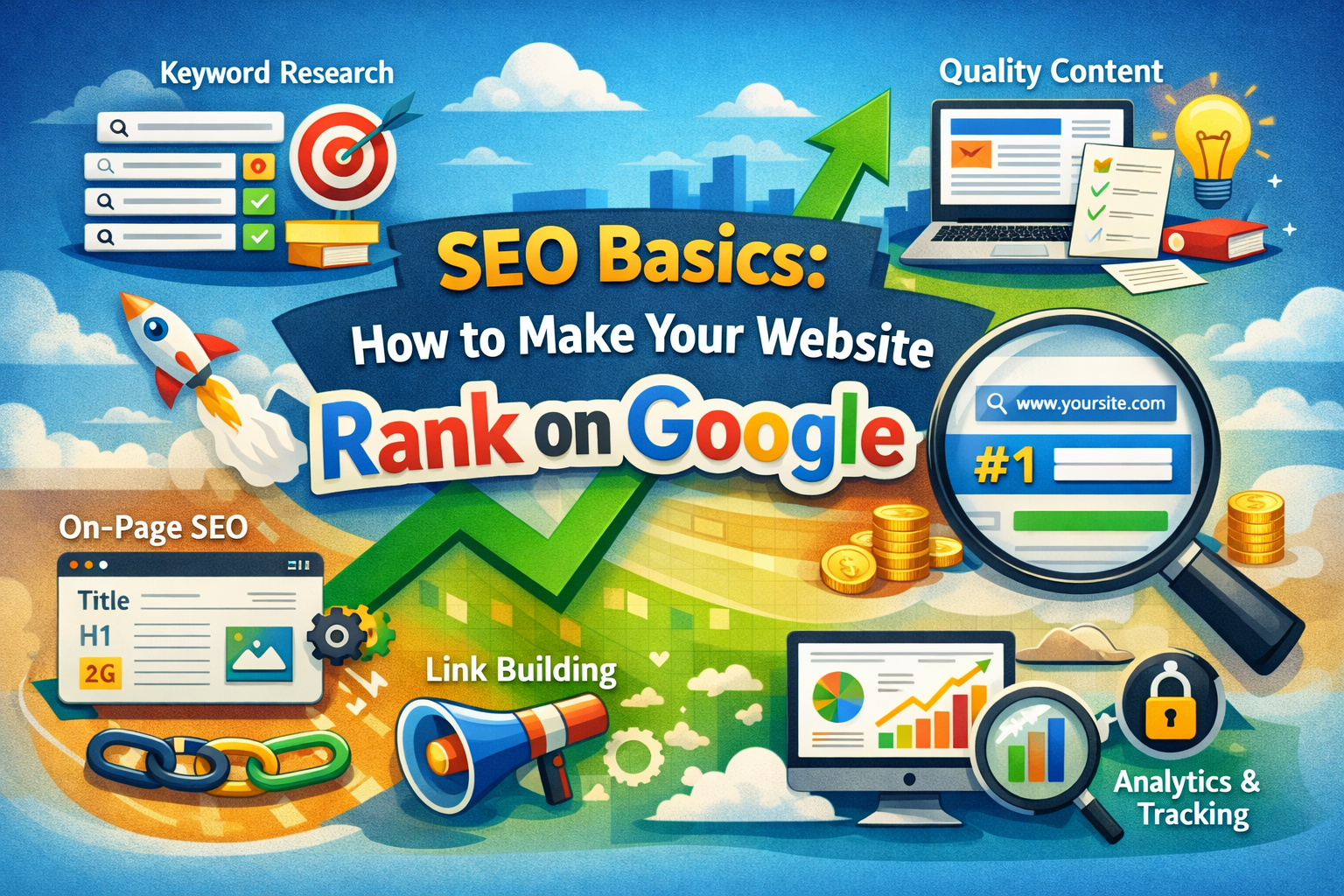
SEO Basics: How to Make Your Website Rank on Google
23
Feb
If you’ve ever published a website and waited… and waited… only to hear nothing but digital silence, you’re not alone.
The truth is simple: a website without SEO is like a shop hidden in a back alley with no signboard. No matter how great your content or product is, if people can’t find you, growth becomes a struggle.
The good news? You don’t need to be a tech genius or marketing guru to make your website visible. With the right understanding of SEO Basics: How to Make Your Website Rank on Google, you can start attracting consistent, free traffic that grows over time.
Let’s break it down plain language, practical steps, and no confusing jargon.
When learning the fundamentals of SEO, it’s easy to forget that your website itself is the foundation of everything. If you want to understand why having a professional website is essential for your business in 2026, check out our detailed guide: Why Every Business Needs a Professional Website in 2026. It explains how a well-built site boosts credibility, improves search visibility, and sets the stage for all your SEO efforts.
Why SEO Matters More Than Ever
Think about your own habits. When you need information, where do you go?
Google.
And so does everyone else.
Every day, billions of searches happen. Behind each search is a person looking for answers, solutions, products, or services. SEO helps your website show up when those people are searching.
Here’s why SEO is powerful:
-
It brings free organic traffic
-
It builds trust and credibility
-
It delivers long-term results
-
It helps small websites compete with big brands
In this guide, you’ll learn the practical steps behind SEO Basics: How to Make Your Website Rank on Google—from keywords to content, technical setup to strategy.
Let’s start at the foundation.
What is SEO? A Simple Explanation for Beginners
SEO stands for Search Engine Optimization.
In plain terms, it means:
Making your website easy for Google to understand, trust, and recommend.
Google’s job is to give users the best answers. If your website provides helpful, relevant, and well-structured content, Google is more likely to rank it higher.
How Search Engines Work
There are three main steps:
-
Crawling – Google scans your website pages
-
Indexing – Google stores your pages in its database
-
Ranking – Google decides where your page appears in search results
If your site isn’t optimized, it might not rank well—even if your content is good.
SEO Basics: How to Make Your Website Rank on Google Starts With Search Intent
Before writing anything, ask yourself:
What is the searcher actually looking for?
This is called search intent.
There are four main types:
-
Informational – “What is SEO?”
-
Navigational – “Facebook login”
-
Transactional – “Buy laptop online”
-
Commercial – “Best hosting for beginners”
If your content matches the intent, your chances of ranking increase dramatically.
Keyword Research: The Foundation of SEO
Keywords are the words people type into Google. If you don’t target the right ones, your content won’t be discovered.
Types of Keywords
-
Short-tail: SEO, website, marketing
-
Long-tail: how to rank a new website on Google fast
Long-tail keywords are easier to rank for, especially if your site is new.
How to Find Keywords
Try these free methods:
-
Google autocomplete
-
“People Also Ask” section
-
Related searches at the bottom of Google
-
Tools like:
-
Google Keyword Planner
-
Ubersuggest
-
AnswerThePublic
-
Choosing the Right Keyword
Look for:
-
Moderate search volume
-
Low competition
-
Clear search intent
Focus on one main keyword per page. Trying to rank for everything at once? That’s a rookie mistake.
On-Page SEO: Optimizing Your Content the Right Way
Now that you’ve got your keyword, it’s time to place it strategically.
1. Optimize Your Title
Your title should:
-
Include the main keyword
-
Be clear and compelling
-
Stay under 60 characters if possible
Example:
SEO Basics: How to Make Your Website Rank on Google (Step-by-Step)
2. Use Proper Headings
Structure matters.
-
H1: Main title
-
H2: Main sections
-
H3: Subsections
This helps both readers and search engines understand your content.
3. Place Keywords Naturally
Include your keyword:
-
In the title
-
In the first 100 words
-
In subheadings
-
Throughout the article naturally
Avoid keyword stuffing. If it sounds forced, Google won’t like it and readers won’t either.
4. Write Content That Actually Helps
Google rewards content that:
-
Answers questions clearly
-
Goes deep into the topic
-
Is original and useful
-
Keeps readers engaged
Aim for quality over fluff.
5. Optimize Images
Don’t overlook images.
-
Compress file size for faster loading
-
Use descriptive file names
-
Add alt text with relevant keywords
Technical SEO Basics (Without the Headache)
You don’t need to be a developer, but a few technical factors matter.
Website Speed
Slow websites lose visitors and rankings.
Check your speed using:
-
Google PageSpeed Insights
Tips to improve:
-
Compress images
-
Use good hosting
-
Minimize heavy plugins
Mobile Friendliness
Most users browse on phones.
Make sure:
-
Your design is responsive
-
Text is readable
-
Buttons are easy to tap
Google uses mobile-first indexing, so this is critical.
Secure Website (HTTPS)
If your URL starts with https, you’re good.
If not, install an SSL certificate. It builds trust and improves rankings.
Clean URL Structure
Good example:
yourwebsite.com/seo-basics
Bad example:
yourwebsite.com/page?id=74829
Keep it short, clean, and keyword-friendly.
Content Strategy: The Real Secret Behind SEO Success
SEO isn’t a one-time task. It’s a long game.
Blog Consistently
Each blog post is another opportunity to rank.
Start with:
-
How-to guides
-
Tutorials
-
FAQs
-
Beginner content
Create Evergreen Content
Evergreen content stays useful for years.
Examples:
-
SEO basics
-
Website tips
-
Marketing strategies
Update Old Posts
Don’t just create new content. Refresh old ones by:
-
Adding new information
-
Improving readability
-
Updating statistics
Google loves fresh content.
Link Building: Building Authority and Trust
Backlinks are links from other websites to yours. Think of them as votes of confidence.
Easy Ways to Get Backlinks
-
Guest blogging
-
Listing your business in directories
-
Sharing content on social media
-
Creating valuable resources people want to share
Internal Linking Matters Too
Link related pages within your website.
Benefits:
-
Keeps visitors longer
-
Helps Google understand your site structure
-
Improves rankings
User Experience (UX): The Hidden SEO Factor
Google pays attention to how users behave on your site.
If visitors leave immediately, that’s a bad signal.
Improve UX by:
-
Using clear layouts
-
Adding headings and bullet points
-
Writing short paragraphs
-
Improving page speed
-
Making navigation simple
Remember: SEO isn’t just for search engines it’s for people.
Local SEO: A Game Changer for Businesses
If you run a local business, this is huge.
Steps to Improve Local SEO
-
Create a Google Business Profile
-
Add your address and phone number
-
Ask customers for reviews
-
Use location keywords (e.g., “web design in Lagos”)
Local searches often lead to quick conversions.
Measuring Your SEO Performance
You can’t improve what you don’t measure.
Tools You Should Use
-
Google Search Console
-
Shows keywords bringing traffic
-
Tracks indexing issues
-
-
Google Analytics
-
Shows visitor behavior
-
Tracks traffic growth
-
Key Metrics to Watch
-
Organic traffic
-
Keyword rankings
-
Click-through rate (CTR)
-
Time on page
Common SEO Mistakes to Avoid
Even experienced site owners slip up. Avoid these:
-
Keyword stuffing
-
Duplicate content
-
Ignoring mobile optimization
-
Buying spammy backlinks
-
Expecting overnight results
SEO takes time. But once it kicks in, the results compound.
Beginner Action Plan: SEO Basics: How to Make Your Website Rank on Google
If you’re wondering where to start, follow this checklist:
-
Choose one low-competition keyword
-
Write a helpful article around it
-
Optimize title and headings
-
Add internal links
-
Compress images
-
Make sure your site is mobile-friendly
-
Submit your site to Google Search Console
-
Publish content consistently
Small steps, done regularly, lead to big results.
FAQs: SEO Basics: How to Make Your Website Rank on Google
1. How long does SEO take to work?
Typically 3–6 months, depending on competition and consistency.
2. Can beginners do SEO without coding?
Yes. Most SEO basics involve content, structure, and strategy—not coding.
3. Is SEO free?
Organic SEO is free, though tools and professional help may cost money.
4. How many keywords should I target per page?
Focus on one main keyword and a few related variations.
5. Does content length affect ranking?
Longer content often performs better, but quality matters more than word count.
6. Do I need to publish daily?
No. Consistency matters more than frequency.
Conclusion: Start Small, Stay Consistent, Grow Big
Here’s the truth most people overlook: SEO isn’t magic—it’s momentum.
One optimized article won’t change everything overnight. But publish consistently, improve your website step by step, and keep your focus on helping real people and the growth will come.
That’s the heart of SEO Basics: How to Make Your Website Rank on Google.
Show up.
Stay useful.
Keep improving.
And before long, Google will start sending visitors your way—day after day, without paying for ads.
Now the question is:
What’s the first page you’re going to optimize today?