
- hello@daggloballtd.com
- No. 3 Ebong Close Wealth avenue, Palmsbay estate Abijo G.R.A. Lekki Epe exrpress way, Lagos State, Nigeria

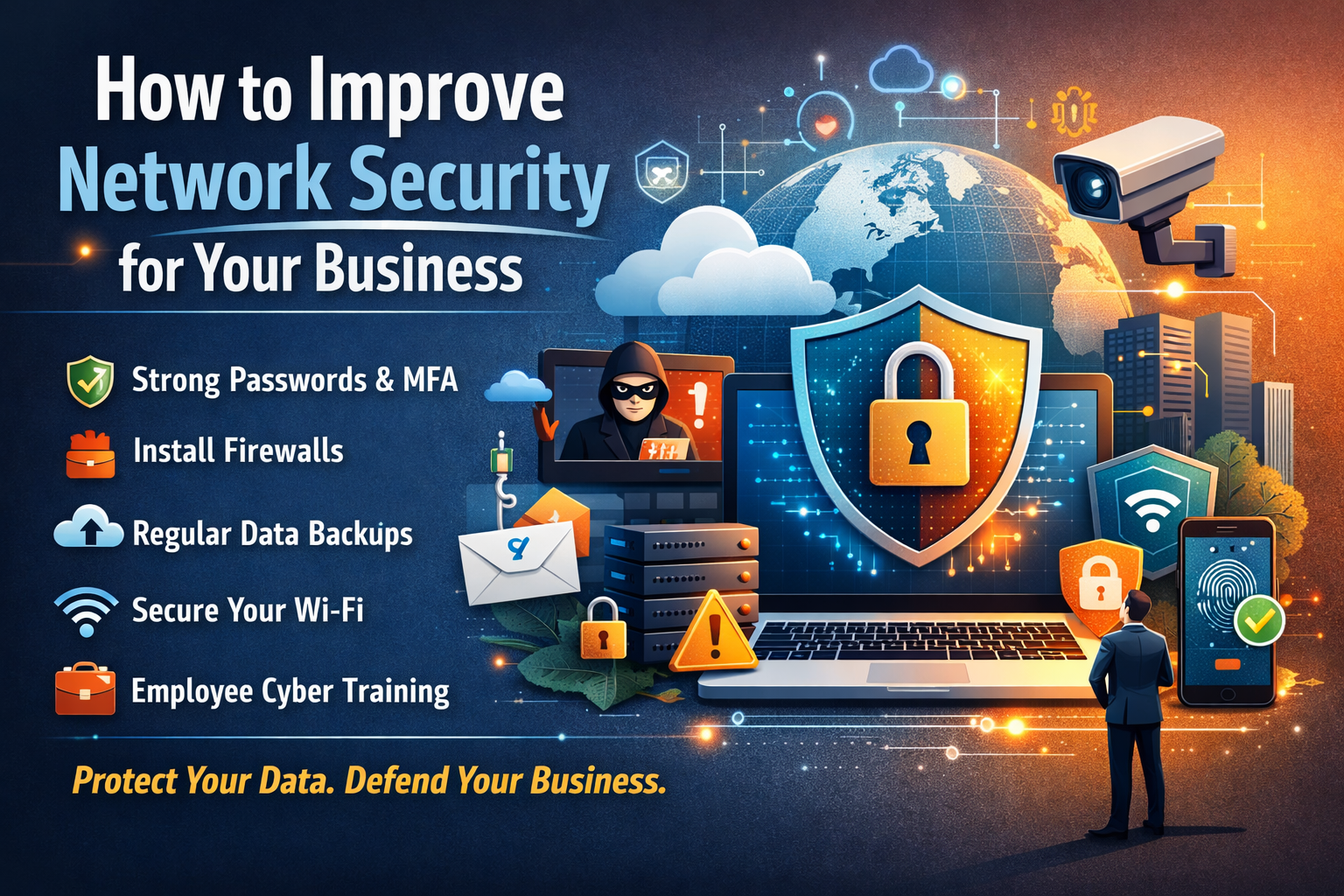
How to Improve Network Security for Your Business
17
Feb
Let’s face it running a business today means living online. Emails, cloud storage, customer databases, payment systems, remote teams… everything flows through your network. And while that connectivity fuels growth, it also opens the door to something far less exciting: cyber threats.
Here’s the thing. Hackers aren’t just targeting big corporations anymore. Small and medium-sized businesses are now prime targets because many don’t have strong security in place. One weak password, one careless click, one outdated system—and suddenly, your operations, finances, and reputation are on the line.
The good news? You don’t need a massive IT department or a million-dollar budget to stay protected.
In this guide, you’ll discover How to Improve Network Security for Your Business using practical, realistic strategies that actually work. Whether you’re a startup owner, a growing company, or managing a remote team, these steps will help you build a safer, stronger digital environment without the technical overwhelm.
Why Network Security Matters for Every Business
Imagine walking into your office one morning and discovering your files locked, your systems frozen, and a message demanding payment to restore access. Sounds dramatic, right? Unfortunately, scenarios like this happen every day.
Strong network security isn’t just about technology—it’s about business survival.
Here’s what’s at stake:
-
Financial loss from fraud, ransomware, or downtime
-
Customer data exposure, leading to legal and compliance issues
-
Operational disruption that halts productivity
-
Damage to your reputation and trust
-
Loss of competitive advantage if sensitive information is stolen
In today’s digital economy, trust is currency. Protecting your network protects your brand, your customers, and your future.
Common Network Security Threats Businesses Face
Before diving into solutions, it helps to know what you’re up against. Cyber threats come in many forms—and some are surprisingly simple.
Malware and Ransomware
Malicious software can sneak into your systems through email attachments, downloads, or compromised websites. Ransomware takes things a step further by locking your files until you pay a fee.
Phishing Attacks
Ever seen an email that looks legitimate but asks you to “verify your account” or click an urgent link? That’s phishing—and it’s one of the most effective attack methods.
Weak Passwords and Unauthorized Access
If your team is still using passwords like “123456” or “Company2024,” you’re practically inviting trouble.
Insider Threats
Sometimes the risk comes from within—whether it’s careless employees, former staff with lingering access, or accidental data sharing.
Unsecured Wi-Fi Networks
Open or poorly configured networks are an easy entry point for attackers.
Understanding these risks is the first step toward strengthening your defenses.
How to Improve Network Security for Your Business: Practical Steps That Work
Now let’s get to the heart of the matter—real strategies you can start implementing today.
1. Enforce Strong Password Policies
Passwords are your first line of defense. Treat them like it.
Best practices include:
-
Require long, complex passwords
-
Enable multi-factor authentication (MFA)
-
Encourage the use of password managers
-
Avoid password sharing between team members
It may seem basic, but strong authentication alone can block a huge percentage of attacks.
2. Install and Maintain Firewalls
A firewall acts like a digital security guard, controlling what traffic enters and leaves your network.
Make sure you:
-
Use both network and device-level firewalls
-
Regularly review firewall settings
-
Block unnecessary ports and services
A properly configured firewall quietly protects your business 24/7.
3. Keep Systems and Software Updated
Outdated software is one of the easiest ways for hackers to get in.
To stay protected:
-
Turn on automatic updates
-
Regularly patch operating systems and applications
-
Replace unsupported or outdated software
Think of updates as security repairs—ignore them, and cracks begin to show.
4. Secure Your Business Wi-Fi
Your wireless network should never be an open invitation.
Here’s what to do:
-
Change default router usernames and passwords
-
Use WPA3 or strong encryption
-
Create a separate guest network
-
Hide your network SSID if appropriate
If customers or visitors use your internet, separation is essential.
5. Install Endpoint Protection and Antivirus
Every device connected to your network is a potential entry point.
Protect them with:
-
Real-time antivirus protection
-
Regular system scans
-
Centralized security monitoring
Laptops, phones, tablets—if it connects, it needs protection.
6. Train Your Employees (Yes, Really)
Technology helps, but people are often the weakest link.
Provide regular training on:
-
Identifying phishing emails
-
Safe browsing habits
-
Handling sensitive data
-
Reporting suspicious activity
A well-trained team can stop threats before they reach your systems.
7. Back Up Your Data Regularly
If the worst happens, backups can save your business.
Follow the 3-2-1 rule:
-
3 copies of your data
-
2 different storage types
-
1 offsite or cloud backup
Test your backups regularly. A backup you can’t restore isn’t a backup—it’s false comfort.
8. Limit Access with Role-Based Permissions
Not everyone needs access to everything.
Apply the principle of least privilege:
-
Grant access based on job roles
-
Remove access when employees leave
-
Review permissions periodically
The fewer doors open, the harder it is for attackers to move around.
Advanced Strategies: Taking Security to the Next Level
Once the basics are in place, consider strengthening your defenses even further.
Use a Virtual Private Network (VPN)
A VPN encrypts internet traffic, making remote work safer—especially on public networks.
Monitor Your Network Activity
Intrusion detection and monitoring tools help identify unusual behavior before it becomes a serious problem.
Encrypt Sensitive Data
Even if attackers gain access, encryption keeps your data unreadable.
Work with a Managed Security Provider
If cybersecurity feels overwhelming, outsourcing to professionals can provide continuous protection and peace of mind.
Quick Network Security Checklist for Small Businesses
Want a simple snapshot? Make sure you’ve covered these:
-
Strong passwords + MFA
-
Firewall installed and configured
-
Software updated regularly
-
Antivirus on all devices
-
Data backed up and tested
-
Wi-Fi secured
-
Employees trained
-
Access permissions limited
If you can tick most of these boxes, you’re already ahead of many businesses.
Warning Signs Your Network May Be Compromised
Sometimes the clues are subtle. Keep an eye out for:
-
Unusually slow systems
-
Unknown login attempts
-
Files missing or suddenly encrypted
-
Unexpected pop-ups or system alerts
-
Suspicious outgoing emails
If something feels off, don’t ignore it. Investigate immediately.
The Real Cost of Ignoring Network Security
Cybersecurity might feel like an expense—but a breach costs far more.
Potential consequences include:
-
Lost revenue during downtime
-
Recovery and repair costs
-
Legal penalties and compliance issues
-
Customer churn and trust loss
-
Long-term brand damage
In short, security isn’t just protection—it’s an investment in business continuity.
FAQs: How to Improve Network Security for Your Business
1. What is the most important step to improve network security?
Start with strong passwords and multi-factor authentication. These simple measures prevent many common attacks.
2. How often should I update my systems?
Enable automatic updates whenever possible and review systems at least monthly.
3. Is cybersecurity necessary for small businesses?
Absolutely. Small businesses are often targeted because they’re perceived as easier to breach.
4. How much should a business spend on network security?
Costs vary, but basic protections like firewalls, antivirus, and backups are affordable and essential.
5. Can employee training really make a difference?
Yes. Many breaches start with human error. Awareness training significantly reduces risk.
6. What should I do if my business is hacked?
Disconnect affected systems, contact IT/security professionals immediately, and begin recovery using clean backups.
Conclusion: Security Isn’t a One-Time Task—It’s a Business Mindset
Improving your network security isn’t about installing one tool and calling it a day. It’s an ongoing process—a habit, a culture, a commitment to protecting what you’ve worked so hard to build.
The businesses that thrive in today’s digital world aren’t the ones that avoid technology. They’re the ones that use it wisely, responsibly, and securely.
Start with the basics. Strengthen your weak points. Train your team. Back up your data. Review your systems regularly.
Because at the end of the day, network security isn’t just about stopping hackers.
It’s about protecting your customers’ trust.
Your company’s reputation.
And the future you’re building—one secure connection at a time.